Miaos
Everyday essentials. Notes, music, a calendar, and more.
Built-in collection MiaGet
 · Windows 11
Your music, your notes, your day. Bring the things you love together with little Miagets on your desktop.

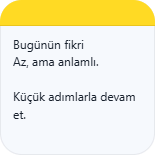
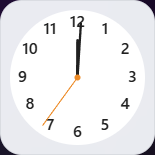
Keep your day flowing with what you need in reach. Choose your Miagets, place them, and make them your own.
Complement your desktop with light and dark widget appearances.
Choose an appearance to change the preview.
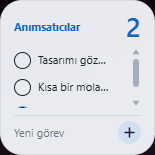
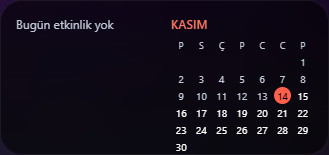
Keep your calendar, notes, and reminders close.
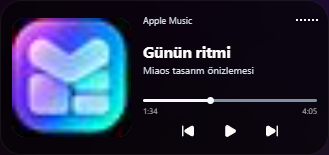
See what’s playing and control media from your desktop.
Review packages, choose permissions, then add them to your desktop.
From complete collections to individual Miagets, start building your own setup here.
Everyday essentials. Notes, music, a calendar, and more.
Built-in collection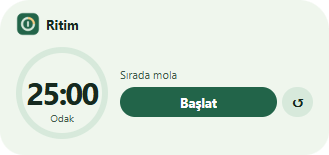
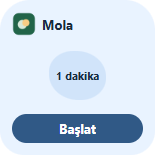
Find your rhythm. Make room for focus, habits, and a moment to breathe.
Productivity collectionCurrent releases. Use the Store in the MiaGet app to install.
MiaGet SDK
Build your own widget with HTML, CSS, and JavaScript. Start with the guide and shape your idea with the prompt tool.
Start building{
"id": "dev.studio.my-widget",
"version": "1.0.0",
"entry": "index.html",
"permissions": ["storage.local"]
}Every Miaget starts with your idea.
MiaGet is a desktop widget platform for Windows 11. We call these small desktop tools Miagets. Bring notes, a calendar, music, and more together in your own layout.
Choose a package in the MiaGet app’s Store or open a local .miaget file. Review its details and permissions before confirming installation. Then add the widget to your desktop.
Installed widgets can work offline. The Store, update downloads, and features that use online data require an internet connection.
Yes. The developer wiki includes the SDK guide, package format, and an example manifest. Use the prompt tool to prepare a development brief and submit your package from your account.